
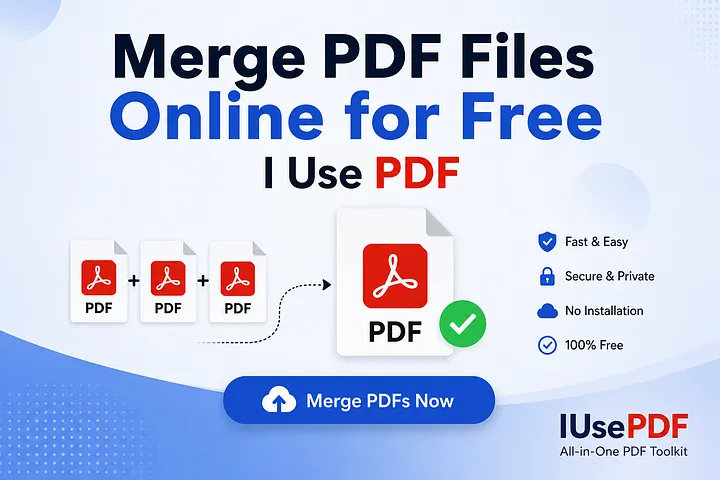
I Use PDF is an online PDF merging tool that allows users to Merge PDF files for free.
Keep multiple PDF documents organized can get quite overwhelming. Having to deal with multiple files to either make a monthly financial report, organize lecture notes, or merge various chapters in an eBook wastes time and makes your workspace cluttered.
Thankfully, you won’t need to invest in high-priced software or complex desktop installations to fix it. I Use PDF is a quick, secure and free way to combine PDF files directly in your browser.
Why Merge PDF Files? Why merge PDF files?
There are a number of significant advantages to consolidating multiple files into a single structured document:
Avoid sending 5-10 separate files, send one neat document.
- Improved Document Management: Organize related invoices, receipts or project briefs together.
Print faster: Open-and-send one file at a time to the printer queue.
Provide clients with well-structured consolidated reports and/or portfolios.
The following steps are designed to help you combine PDFs on I Use PDF .Here’s a step-by-step guide to help you merge PDFs on I Use PDF.
It only takes a few minutes to merge files on I Use PDF. Follow these steps:
- Go to the I Use PDF Merge Tool (No Registration or Installation is required).
Start your web browser, go to the I Use PDF home page and choose the Merge PDF tool from the home page. - Drag & Drop or Select Files.
Select PDF files by tapping the Select PDF files button. Or drag and drop PDFs into the upload box. - Reorder your documents – make sure pages are in order.
After the upload, you’ll see thumbnails of your files. Drag and drop files in the desired sequence in the final document. - Merge & Download: Process & save in seconds.
Tap the Merge PDF button. That response takes a few seconds to be handled by the server. When finished, click on Download Combined PDF to download the consolidated pdf to your device.
Frequently Asked Questions
Is it safe to combine sensitive documents on I Use PDF?
Yes. I Use PDF also has secure SSL file transfers. All uploaded documents are automatically processed and removed from the servers shortly after downloading, for user privacy.
Do you know how to combine PDFs on a cell phone?
Absolutely. I Use PDF is mobile-friendly and compatible with both iOS (Iphone/Ipad) and Android mobile web browsers.
No, combining will not affect the quality of your pdfs.
No. All individual source documents retain their original text formatting, images and layout.
Conclusion
It takes no fancy tool to combine several documents! Merging PDFs is fast and easy with I Use PDF, and it’s free—no matter what device you’re using. Give it a shot the next time you should tidy up your virtual files!